Build Websites on Mac
HTML Designer is a native Mac editor for HTML, CSS, JavaScript, PHP and Markdown projects, with advanced live preview, visual text editing, inspector tools, FTP, SFTP, snippets, swatches and AI assistance.
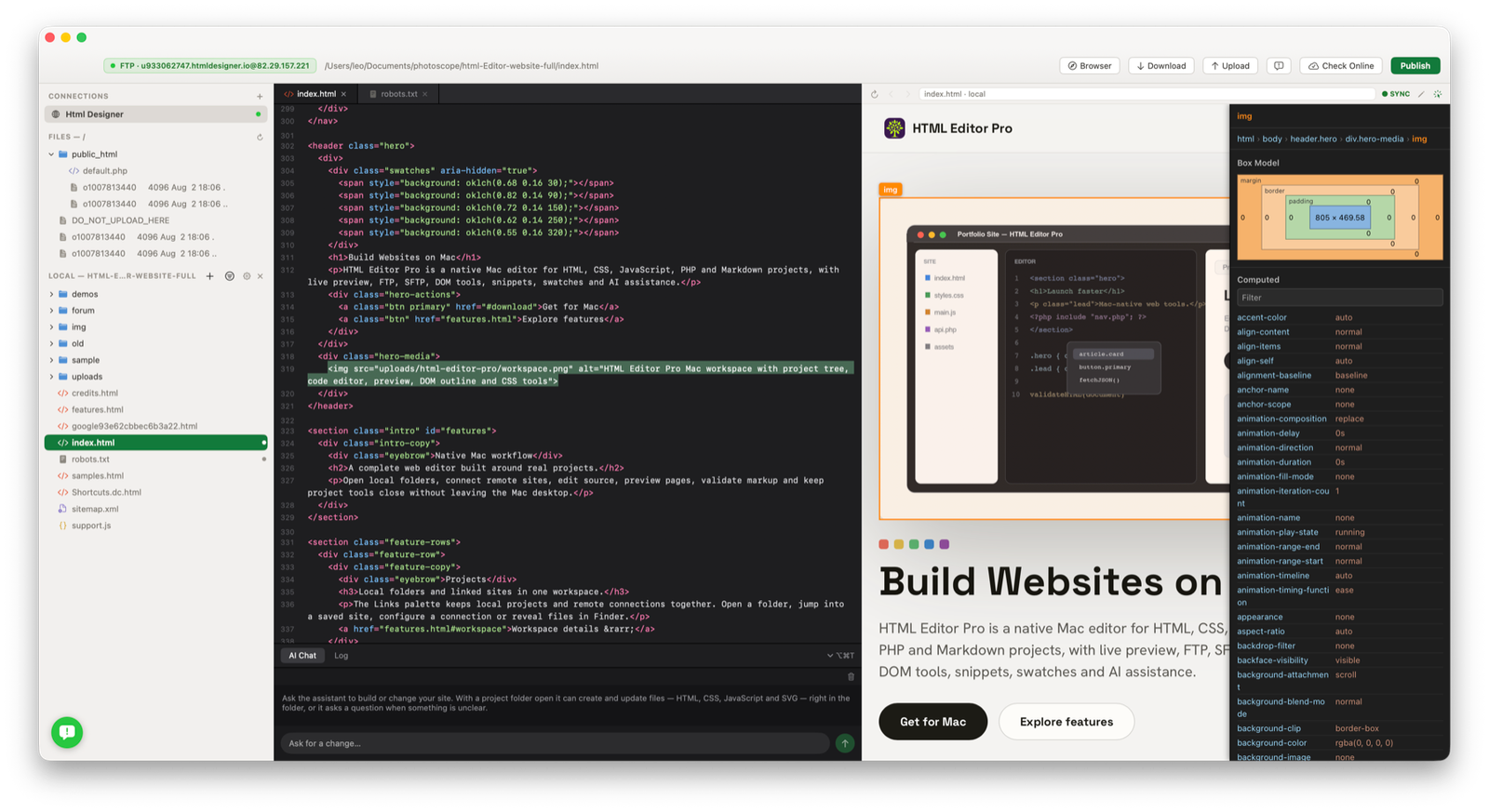
HTML Designer is a native Mac editor for HTML, CSS, JavaScript, PHP and Markdown projects, with advanced live preview, visual text editing, inspector tools, FTP, SFTP, snippets, swatches and AI assistance.
Open local folders, connect remote sites, edit source, preview pages, inspect rendered elements, update plain text directly from the preview and keep project tools close without leaving the Mac desktop.
The Links palette keeps local projects and remote connections together. Open a folder, jump into a saved site, configure a connection or reveal files in Finder.
Workspace details →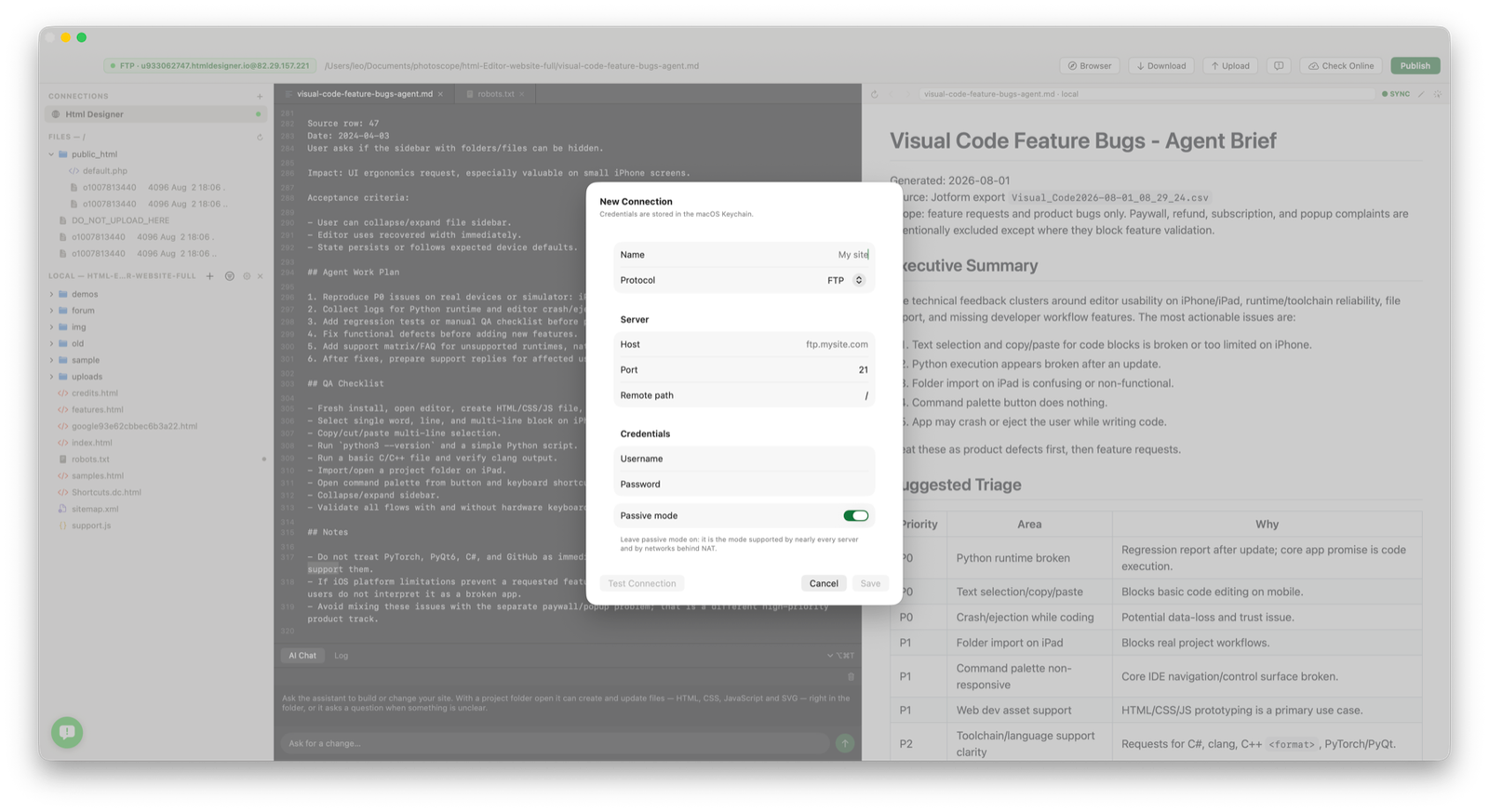
Inspect mode adds hover overlays, persistent selection, DOM breadcrumbs, box model, filtered computed styles and source reveal. Edit Text mode lets plain-text elements be changed from the preview and written back to the file with undo.
Inspector workflows →Switch between source-only, preview-only or split view. Split can be vertical or horizontal, live view can sit on top, and PHP preview can stage files through your own FTP, FTPS or SFTP server.
Preview workflows →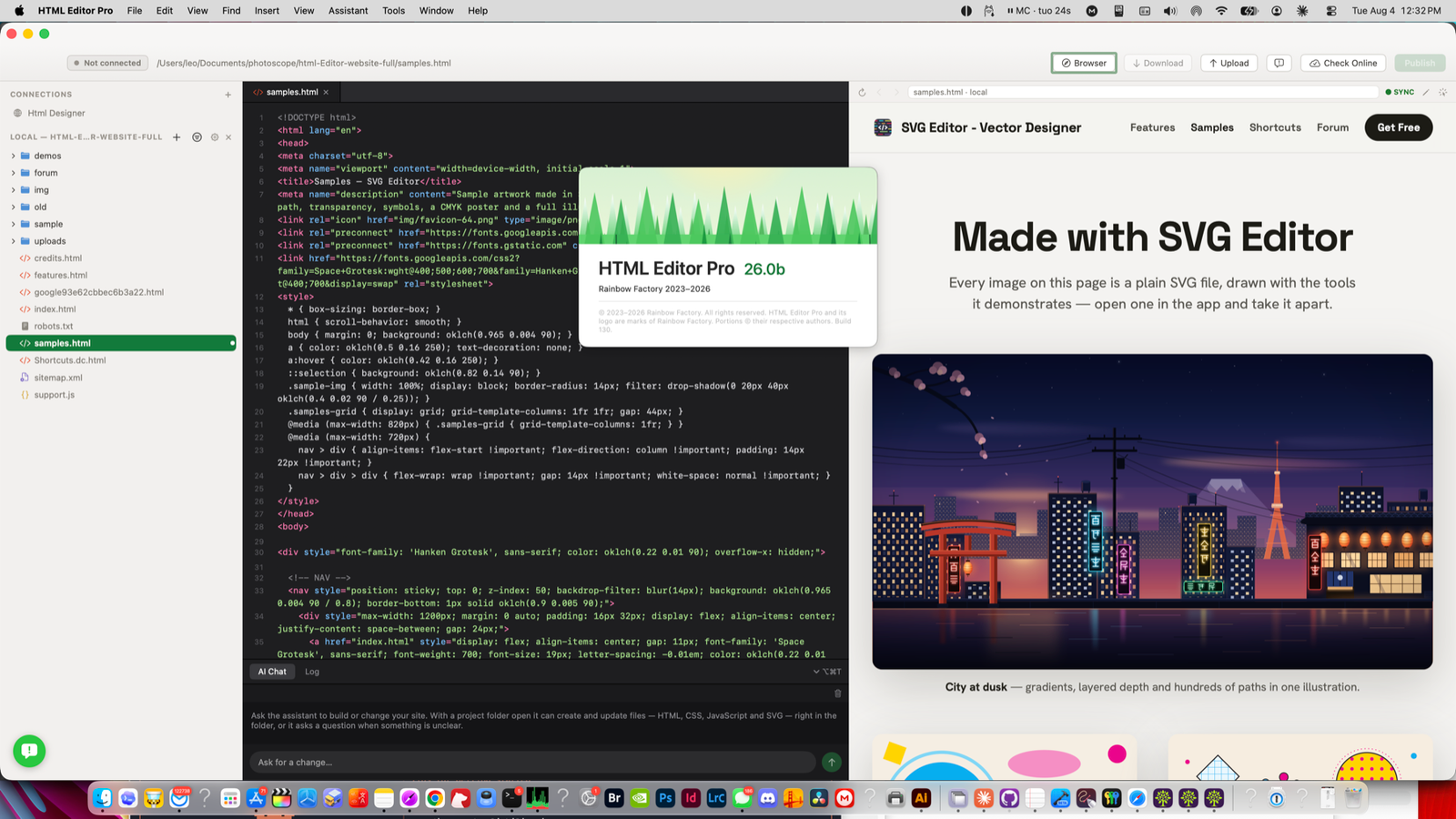
Floating Mac palettes help you inspect the DOM, tune styles, insert reusable snippets, browse elements and collect colors while the editor remains focused.
Palette system →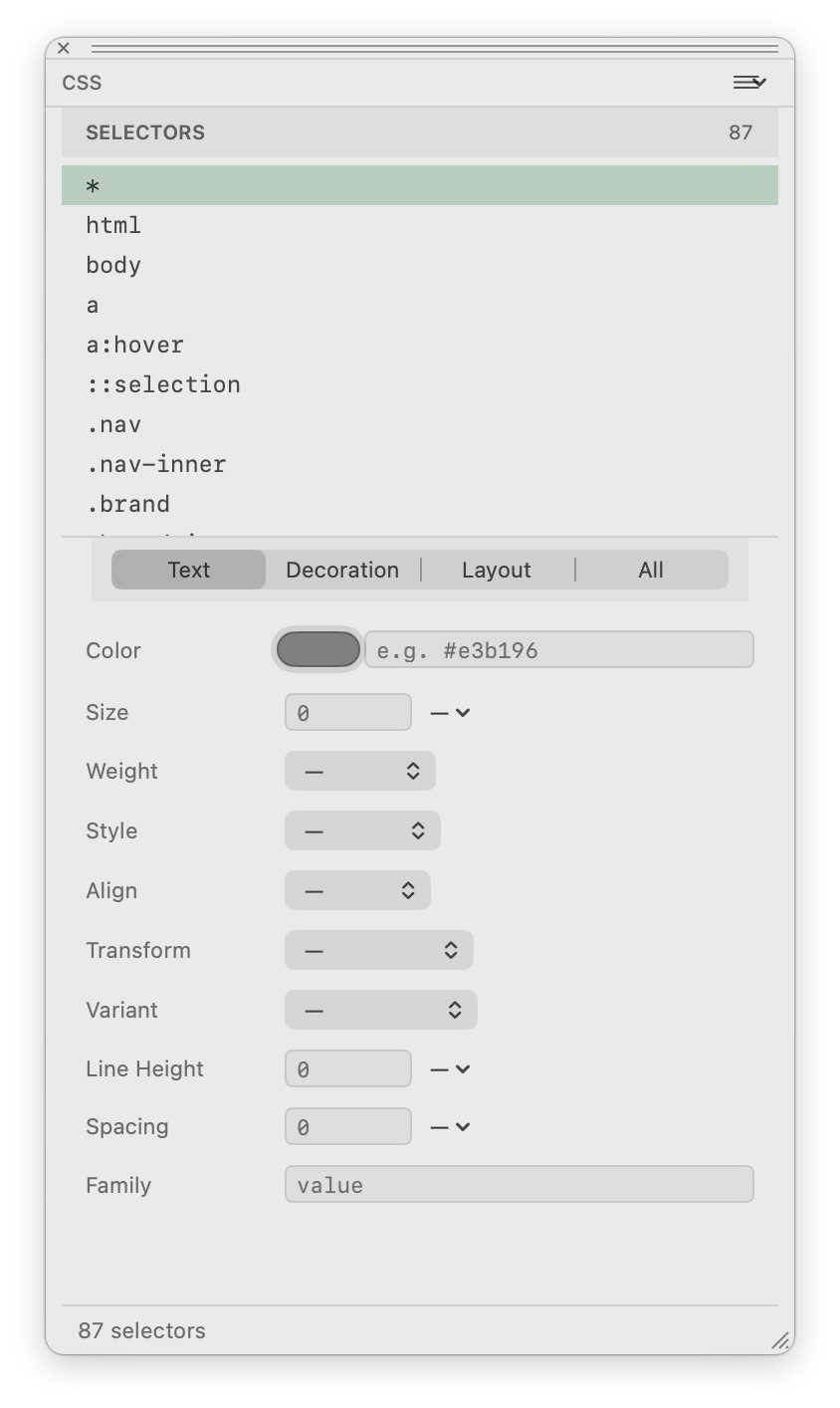
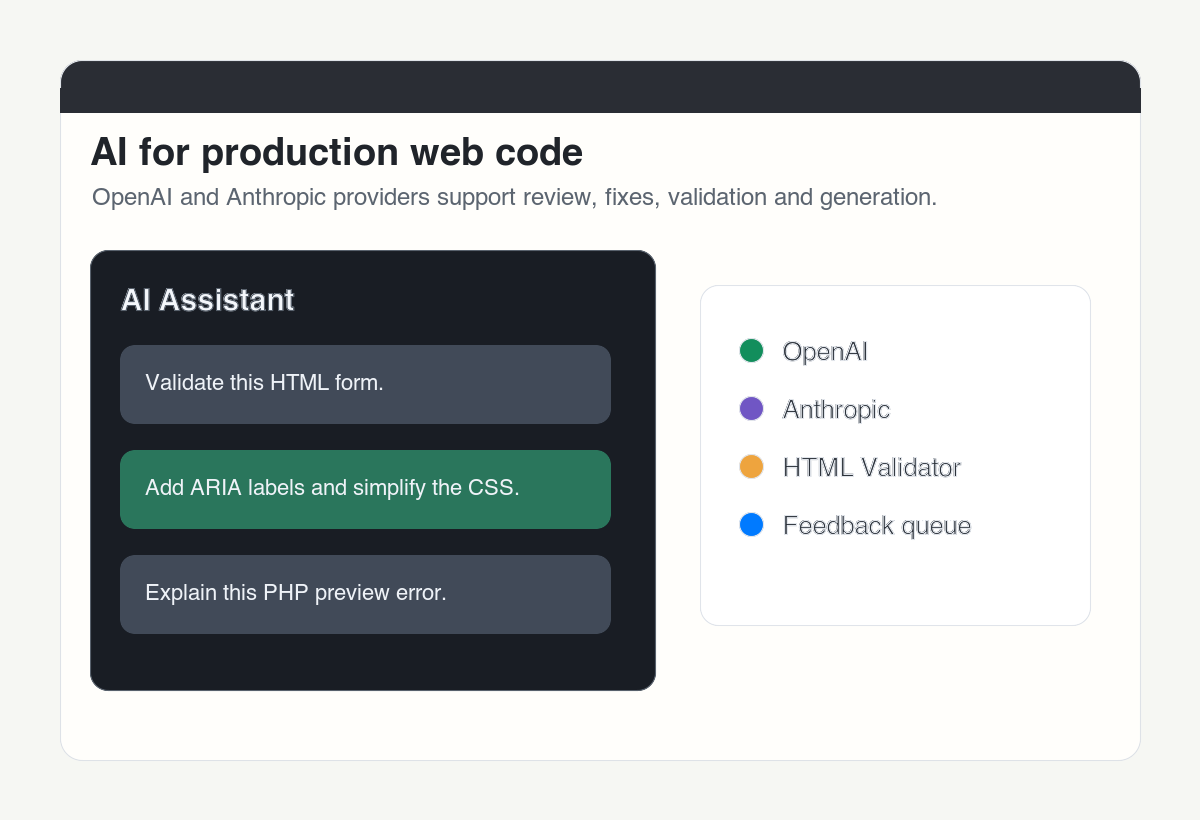
The assistant can use OpenAI or Anthropic providers for web-development help. Built-in validation checks documents and reports issues before you publish.
AI and validation →The site now uses live screenshots from HTML Designer on macOS: remote connection setup, source and preview, inspector tools, insert menus, elements, CSS controls and snippets.
Inspector workspace
Live preview
FTP connection
CSS Designer
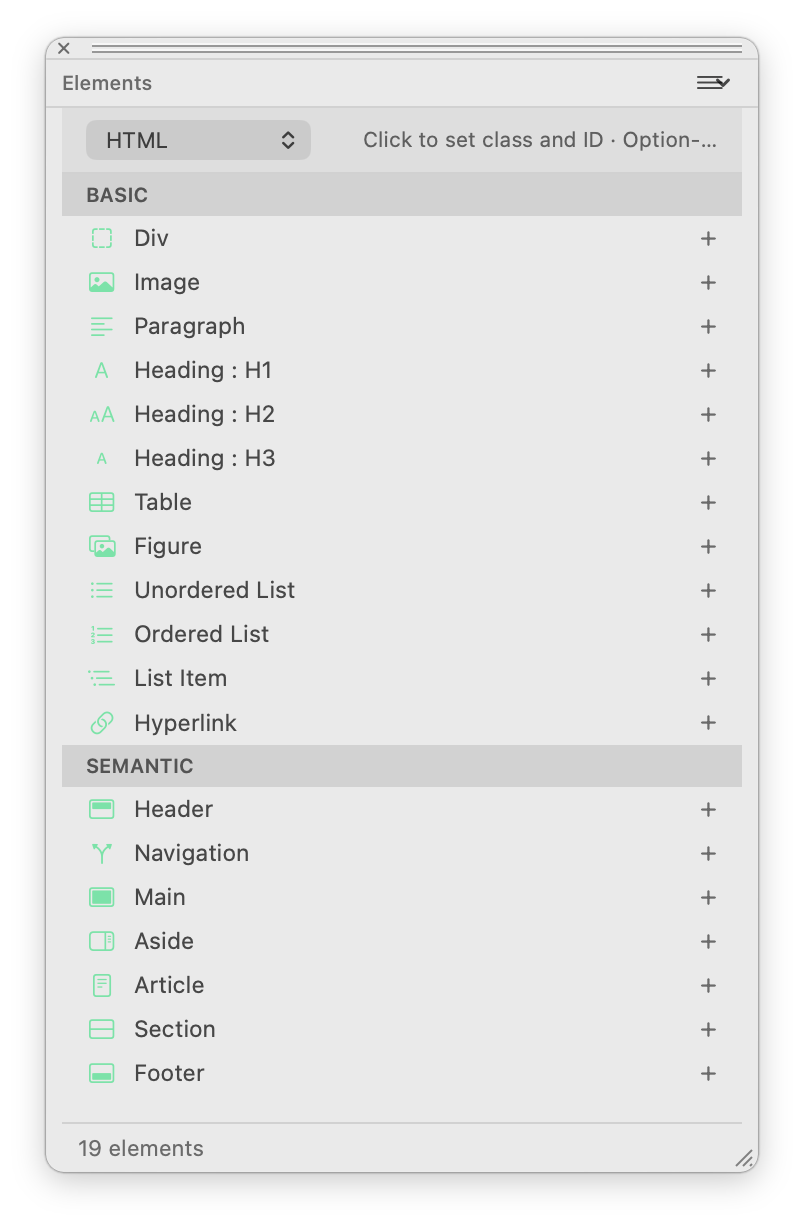
Elements palette
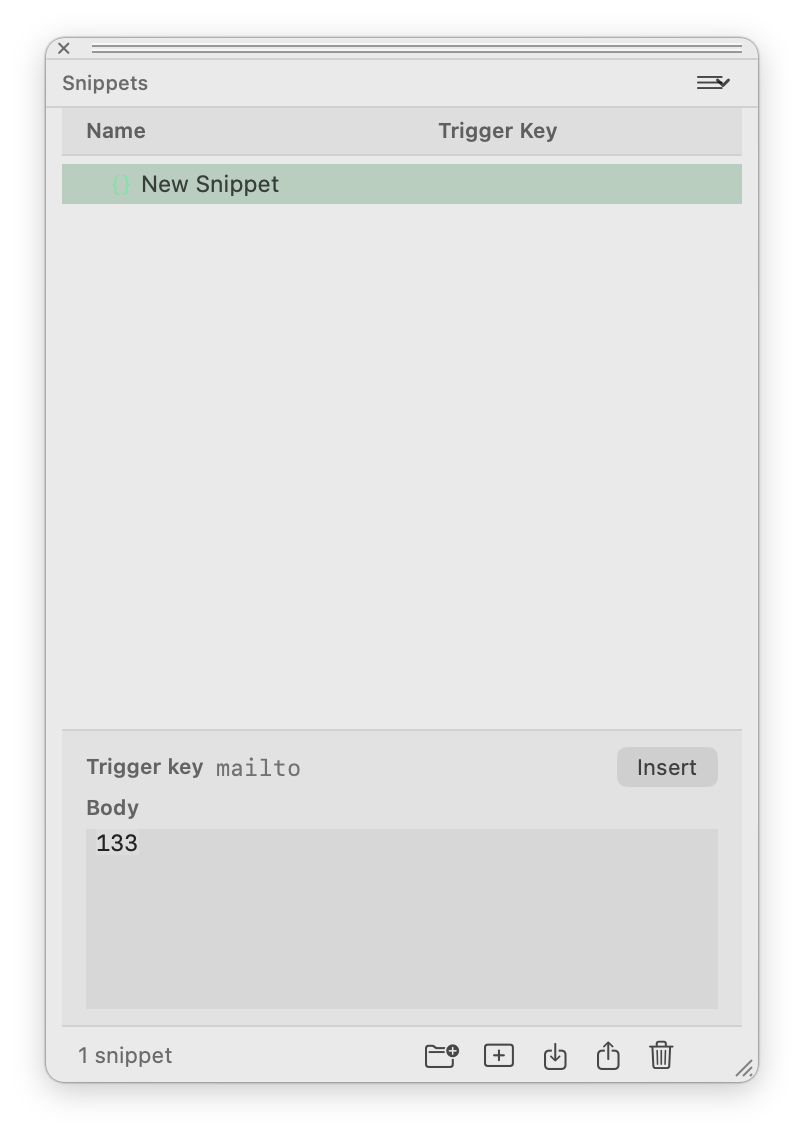
Snippets palette
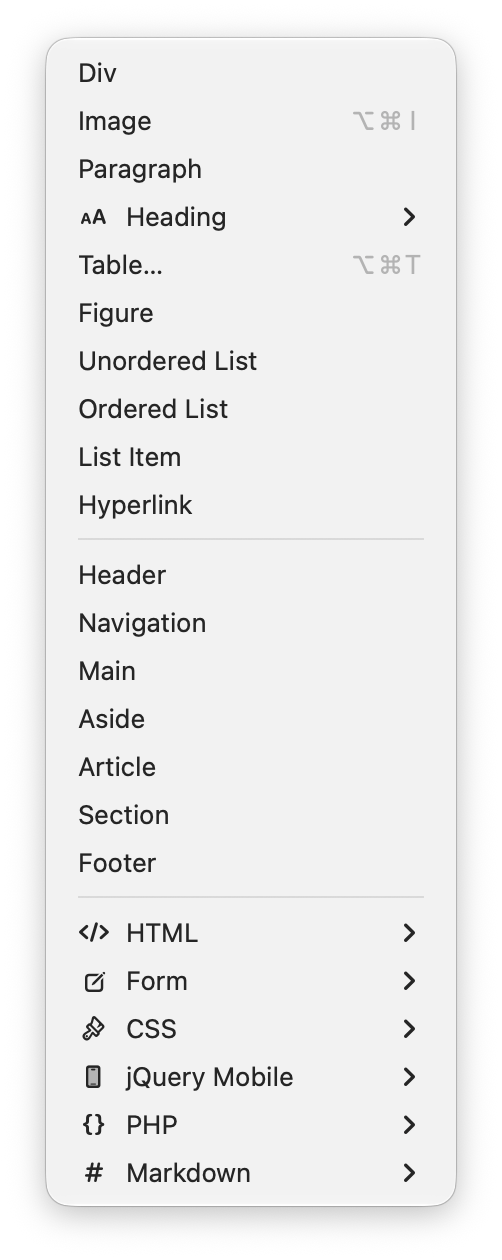
Insert menu
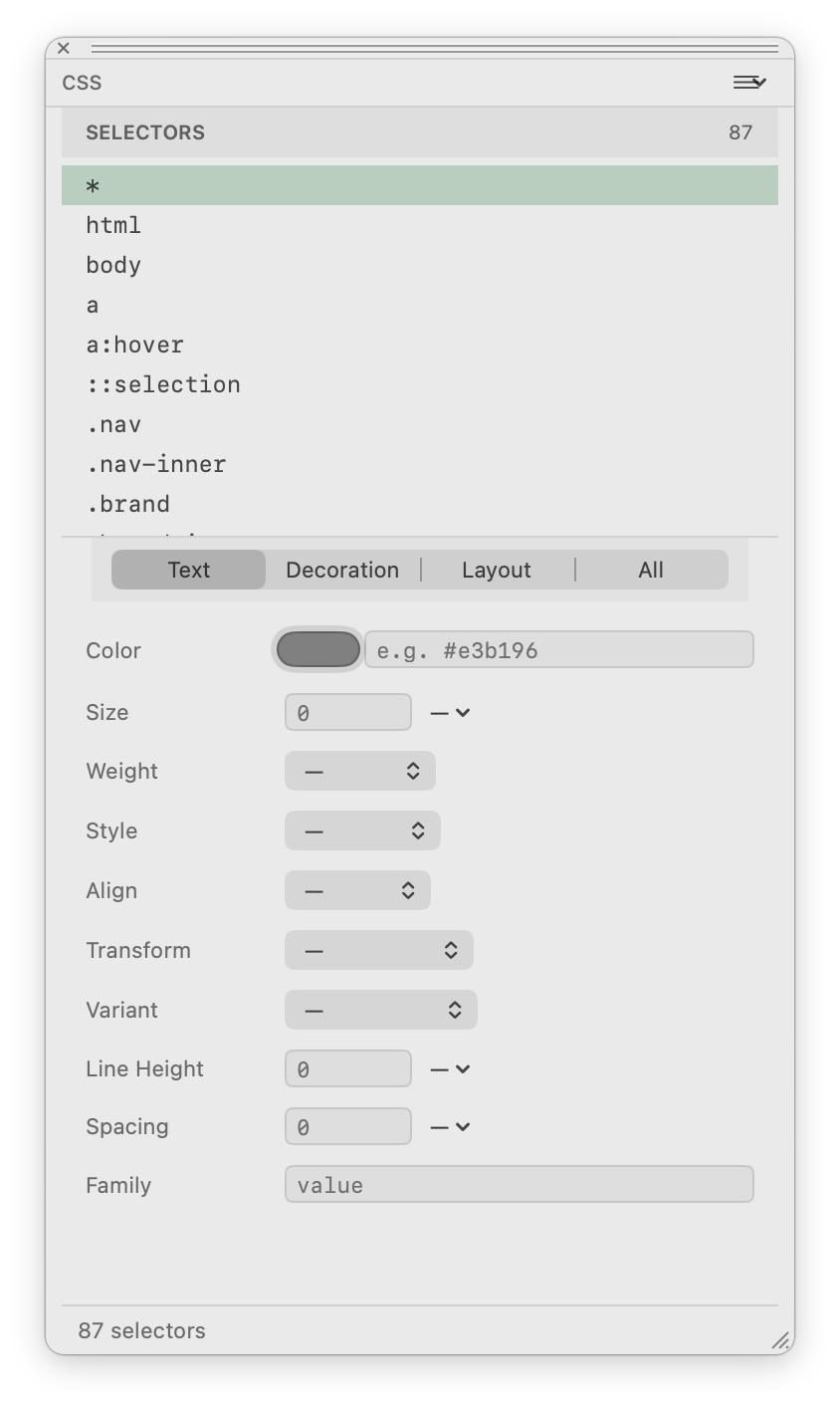
CSS controls
HTML Designer brings the repetitive parts of web work into a native Mac layout: project navigation, source editing, rendered preview, visual inspection, remote transfer, CSS tools and assistant feedback.
Remote workflows →
HTML Designer is for Mac web projects that need source editing, preview, inspection, remote access and code assistance in a single native app.
Open local folders and saved sites from the Links palette.
Learn more →Connect, browse, edit and manage remote site files.
Learn more →Switch between editor-only, split live view and preview-only layouts.
Learn more →Hover overlays, persistent selection, breadcrumbs, box model and computed styles.
Learn more →Double-click preview text and commit plain-text changes back to source.
Learn more →Preview PHP through a temporary folder on your own server.
Learn more →Use DOM outline, CSS Designer, Elements, Snippets and Swatches palettes.
Learn more →Breadcrumb navigation, parent/child tag selection, multi-cursor and image hover preview.
Learn more →Search and replace across project files with safe open-tab handling.
Learn more →Use OpenAI or Anthropic for code fixes, file edits, explanations and reviews.
Learn more →A native Mac app for building and maintaining HTML, CSS, JavaScript, PHP and Markdown projects with live inspection and visual text editing.
View the full feature encyclopedia